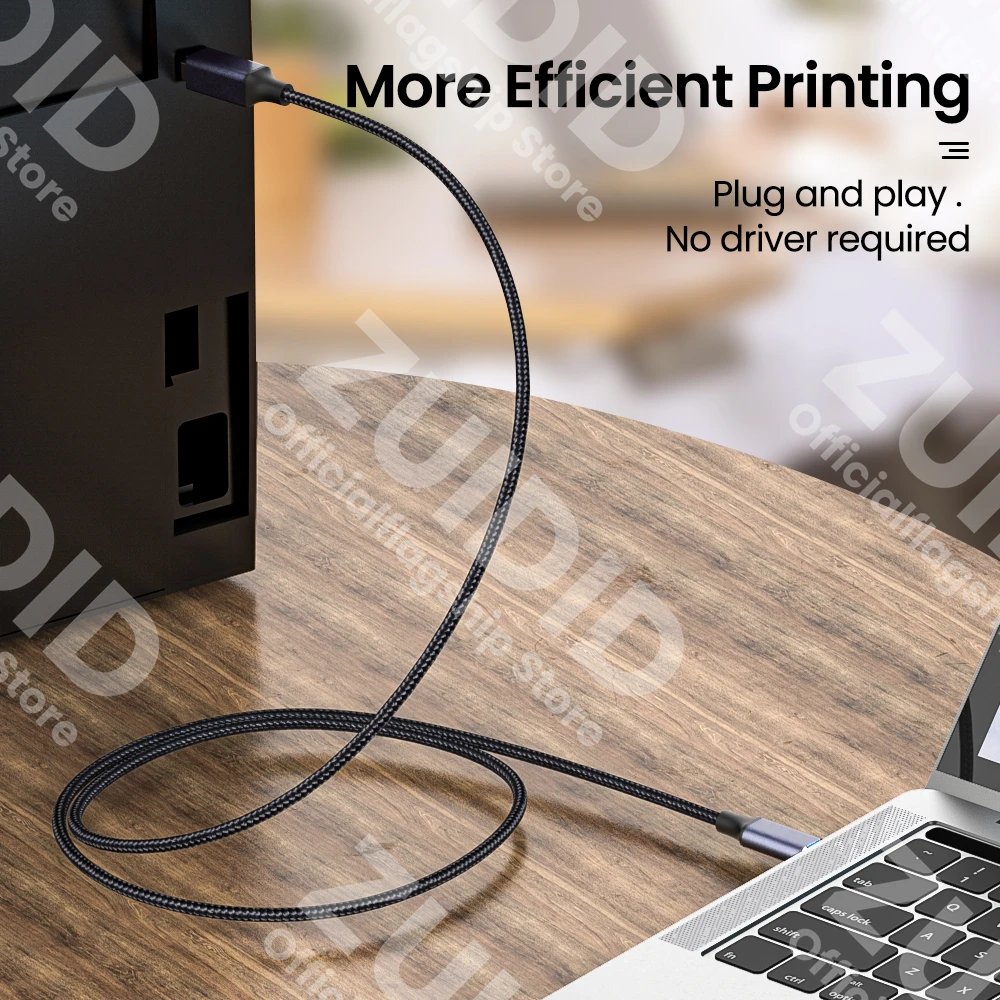
Are you tired of dealing with unreliable printer connections? Whether you’re using a MacBook Pro, Dell laptop, HP workstation, or any modern USB-C device, connecting to legacy printers, scanners, or multifunction devices shouldn’t be a hassle. That’s where this USB Type-C to USB Type-B 2.0 Cable comes in — a simple, affordable, and highly effective solution for seamless printing and scanning.
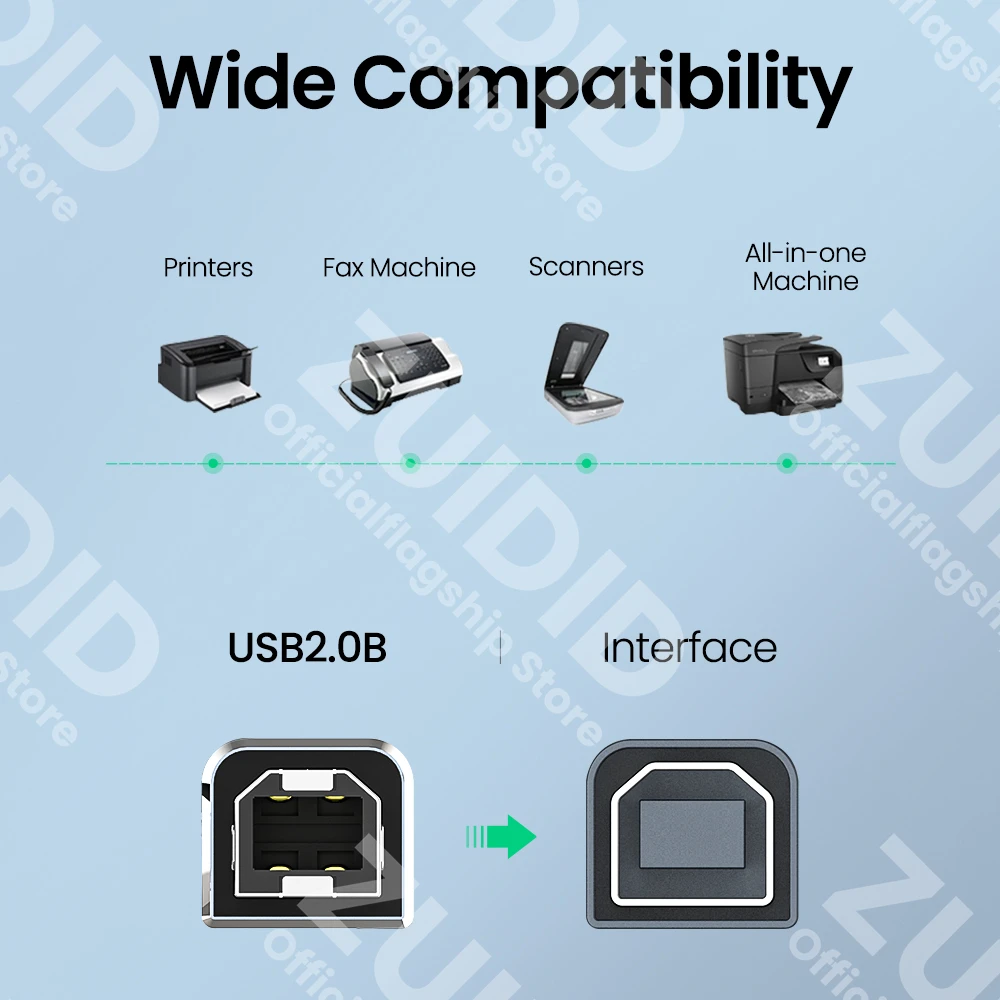
Designed for broad compatibility, this cable supports USB 2.0 data transfer speeds (up to 480 Mbps), ensuring stable and fast communication between your USB-C host device and USB-B peripherals. It’s perfect for connecting to printers from Canon, Epson, Brother, Samsung, and more — especially those found in home offices, small businesses, or educational environments where legacy equipment is still in use.
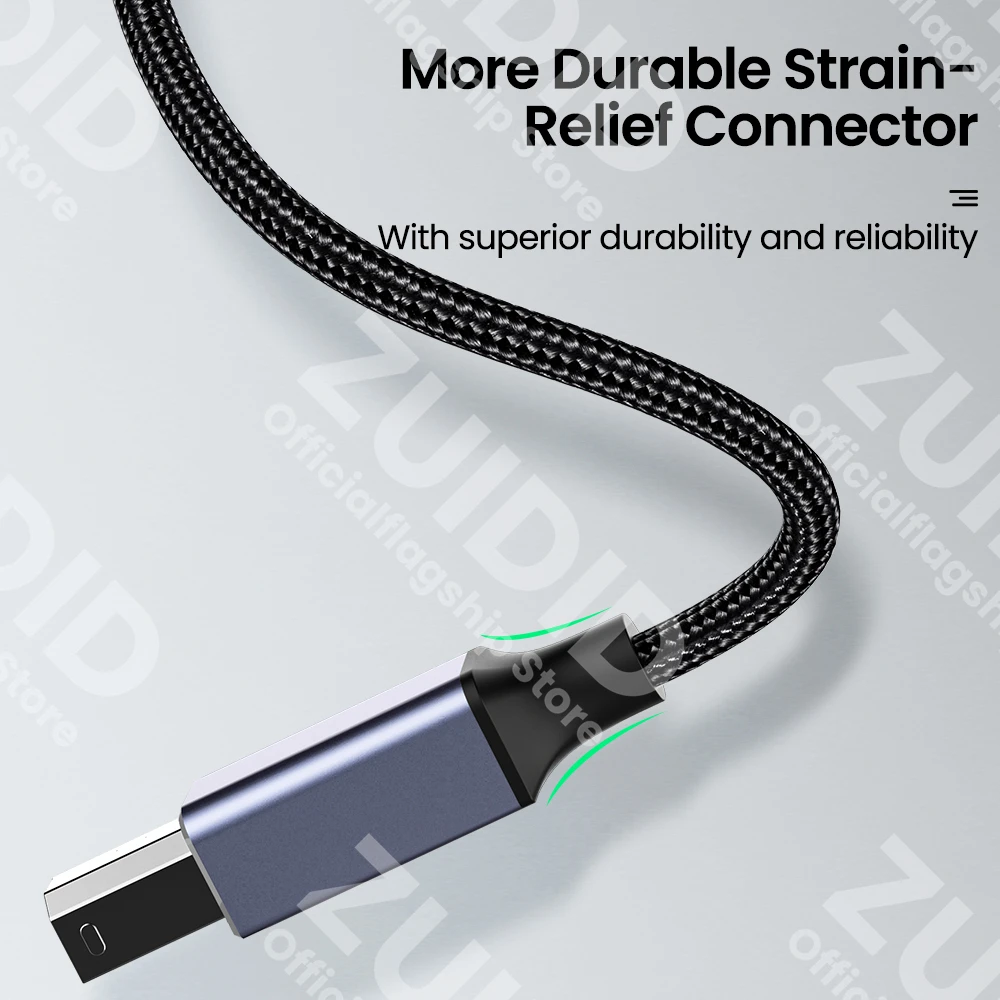
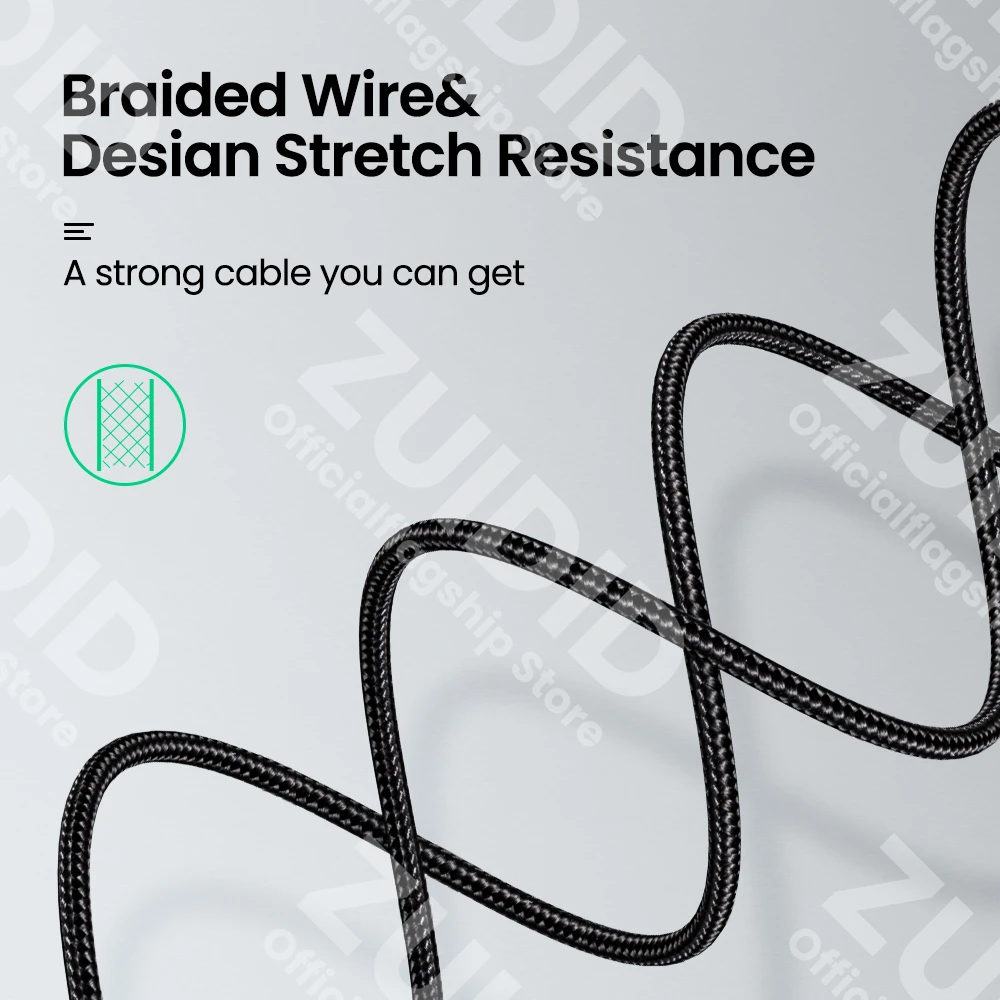
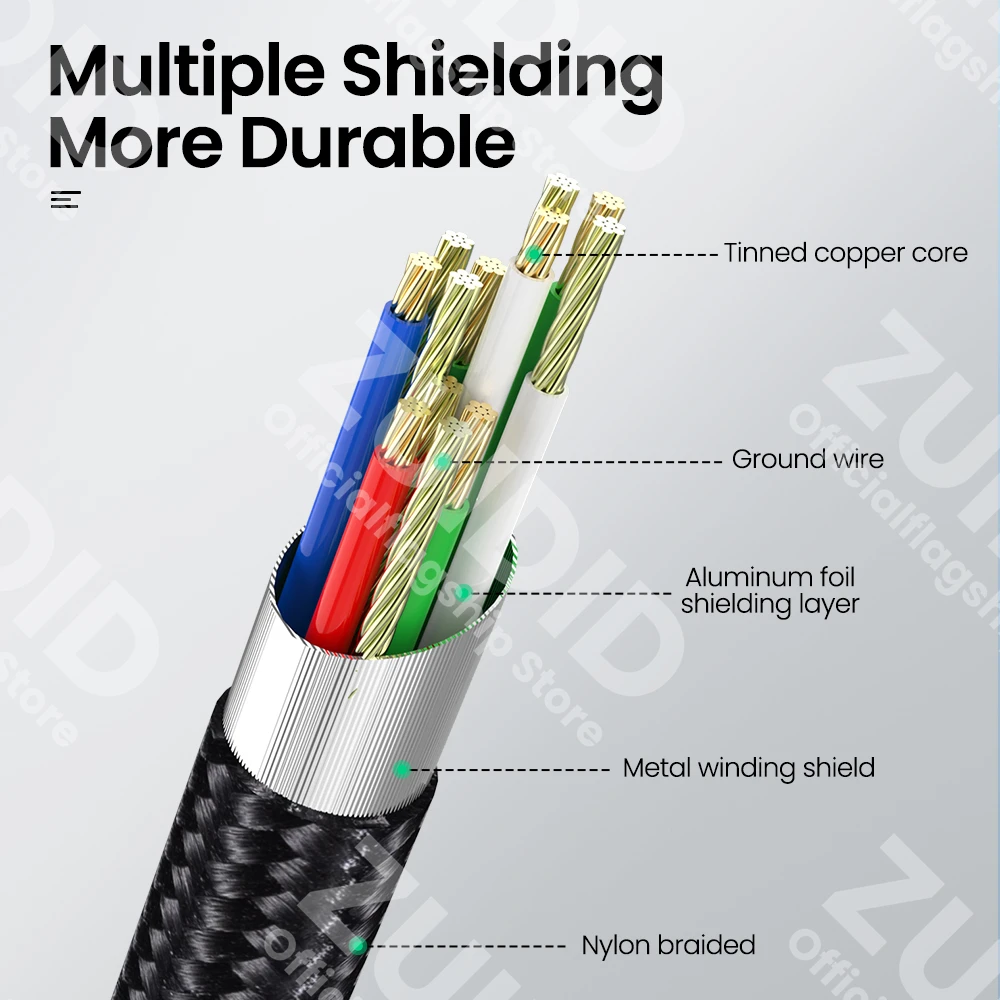
Built with durability in mind, the cable features reinforced connectors and a flexible, tangle-resistant jacket that withstands daily plugging and unplugging. Whether you’re setting up a new workstation or replacing a worn-out cable, this adapter delivers consistent performance without signal loss or intermittent connectivity.
At just $2.35, this cable offers unbeatable value. With over 2,751 units sold, it’s already trusted by hundreds of users who need a dependable bridge between modern USB-C laptops and older USB-B printer ports. No drivers, no complicated setup — just plug and play.
Whether you’re a remote worker, student, small business owner, or IT technician, keeping this cable on hand ensures you’re always ready to print, scan, or troubleshoot — no matter the device generation.
Don’t let outdated ports slow you down. Upgrade your connectivity for less than the price of a coffee.
Share this content: