**Click here to check the latest price & availability for KOOTION X15Lite SSD**

Why the KOOTION X15Lite is the Ultimate Budget NVMe Upgrade
If your laptop or desktop still relies on a traditional SATA SSD or—worse—a mechanical hard drive (HDD), you are leaving massive performance on the table. The KOOTION X15Lite PCIe M.2 NVMe SSD is designed to eliminate bottlenecks, delivering next-generation PCIe Gen 3×4 speeds at an entry-level price point of $49.98.
With 2,183+ units sold and counting, this drive has proven itself as a reliable workhorse for everyday users, gamers, and content creators looking for a cost-effective storage expansion.
Key Specifications & Features
- Interface: PCIe Gen 3 x4 / NVMe 1.4 Protocol
- Form Factor: M.2 2280 (Standard single-sided design)
- Capacities Available: 256GB, 512GB, 1TB
- NAND Flash: 3D NAND Technology (Higher density, better endurance)
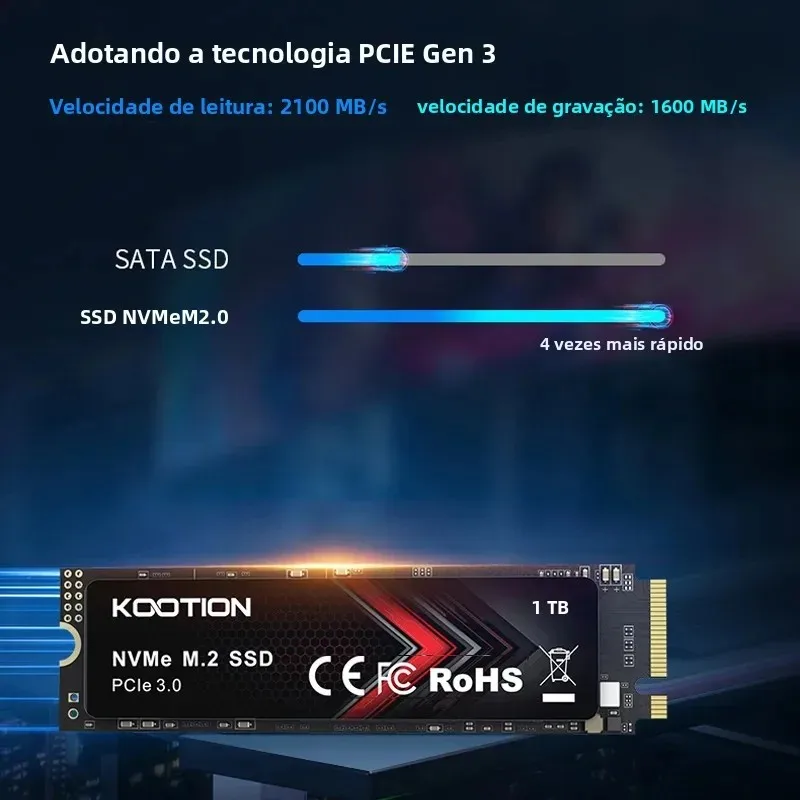
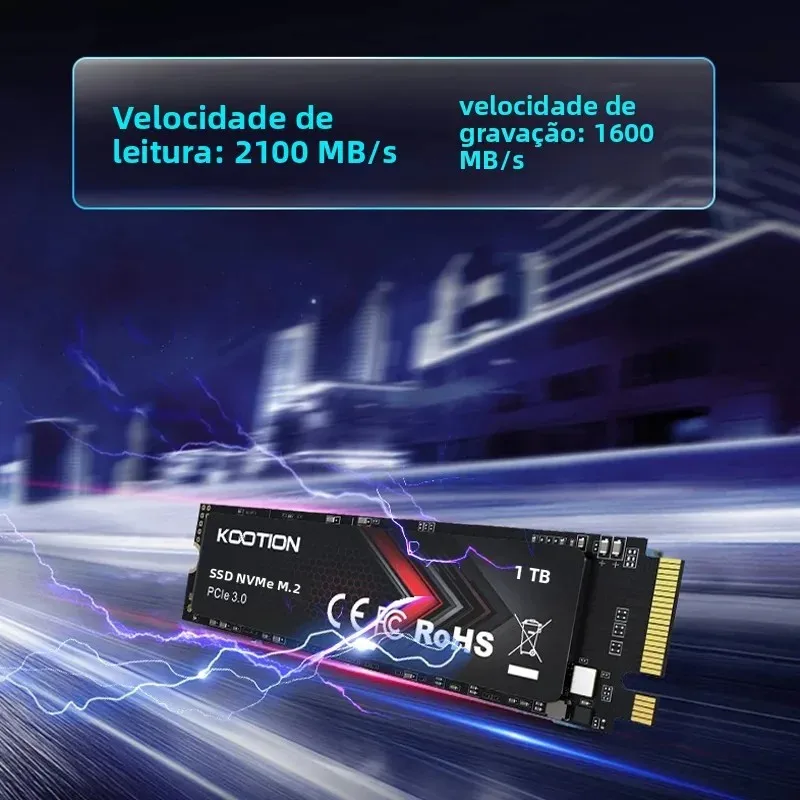
- Sequential Read Speed: Up to 2,000 MB/s (Varies slightly by capacity)
- Sequential Write Speed: Up to 1,600 MB/s (Varies slightly by capacity)
- MTBF: 1.5 Million Hours
- Warranty: 3-Year Limited Warranty
Real-World Performance Benefits
1. Blazing Fast Boot & Load Times
Leveraging the PCIe 3.0 x4 lane bandwidth, the X15Lite offers sequential reads up to 2000MB/s. That is roughly 3-4x faster than standard SATA SSDs and 10x faster than HDDs. Expect Windows to boot in seconds, games to load textures instantly, and heavy applications (Premiere Pro, Photoshop, IDEs) to launch without the wait.
2. 3D NAND Reliability
Unlike older planar NAND, the 3D NAND flash used here stacks memory cells vertically. This translates to:
- Higher Endurance: Better TBW (Terabytes Written) ratings for longevity.
- Lower Power Consumption: Extends laptop battery life compared to SATA drives.
- Cooler Operation: Runs efficiently without needing a massive heatsink for typical workloads.
3. Broad Compatibility
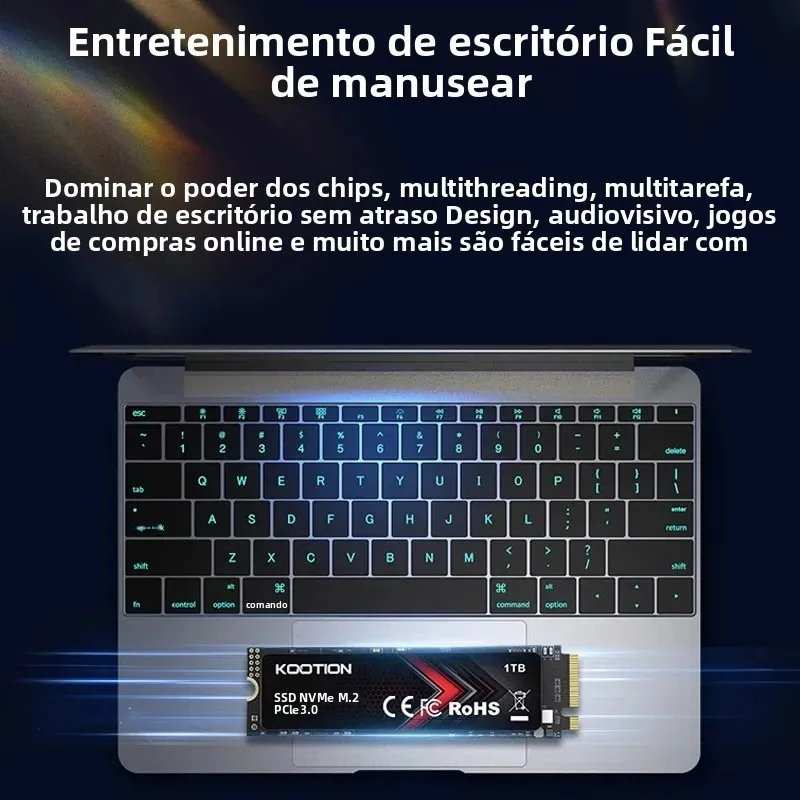
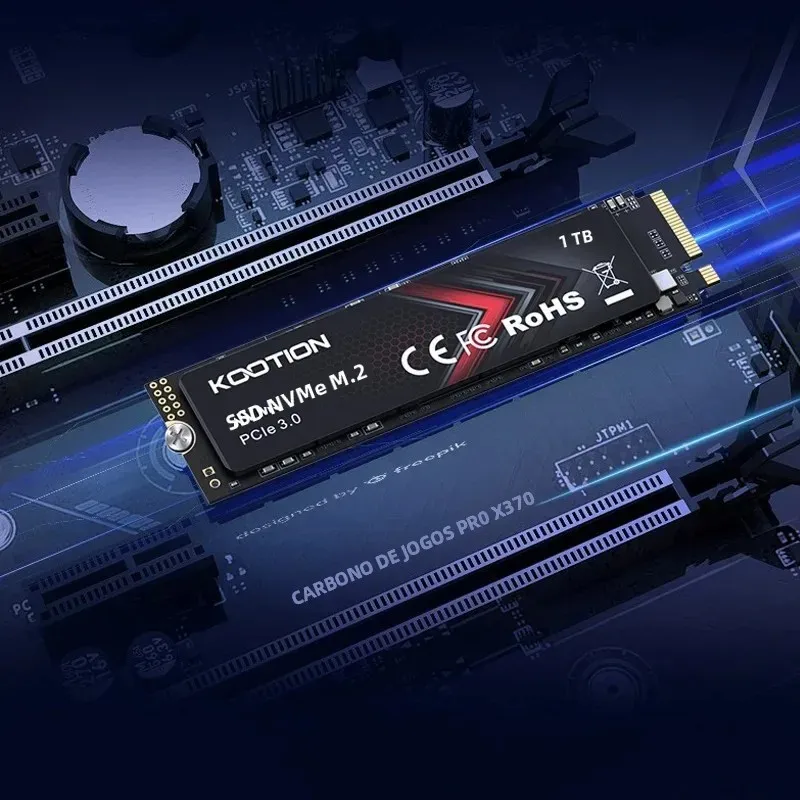
The standard M.2 2280 form factor fits virtually any modern laptop (Ultrabooks, Gaming Laptops) and Desktop motherboard (Intel Z/B/H series, AMD X/B series) with an M-keyed M.2 slot. Note: This is an NVMe drive (M-Key), not compatible with SATA-only M.2 slots (B+M Key).
Visual Showcase

Which Capacity Should You Choose?
| Capacity | Best For | Value Proposition |
|---|---|---|
| **256GB** | OS Drive / Boot Drive | Lowest entry cost; perfect for reviving an old office laptop. |
| **512GB** | **Sweet Spot** | **Best $/GB ratio.** Fits OS + Core Apps + AAA Game Library. |
| **1TB** | Power Users / Creators | Massive space for 4K video editing, large game installs, VMs. |
Remember: The starting price of $49.98* applies to the entry configuration. Higher capacities offer better price-per-gigabyte value.*
Installation Tips
- Backup Data: Always clone your old drive or backup critical files first.
- Check Slot Keying: Ensure your motherboard supports PCIe NVMe (M-Key).
- Enable NVMe in BIOS: Some older boards require enabling “NVMe Support” or setting the M.2 slot to “PCIe Mode” instead of “Auto/SATA”.
- *Heatsink (Optional): For sustained heavy writes (video rendering), a cheap $5 M.2 heatsink helps maintain peak speeds.
Final Verdict: Is It Worth It?
Absolutely. The KOOTION X15Lite hits the perfect intersection of price, performance, and reliability. You aren’t paying a “brand tax” for Samsung or WD, but you are getting modern 3D NAND, a solid controller, and NVMe speeds that transform the user experience.
At $49.98, it is one of the lowest-risk, highest-reward upgrades you can make in 2024.
Ready to speed up your system?
Disclaimer: Prices and availability are subject to change. Please verify the final sale price of $49.98 on the product page via the link above.
Share this content: